

Guides
How to Send Sensitive Documents Securely (Without Losing Sleep)
Sending tax records, contracts, or anything you can’t afford to have float around the internet? Here’s how to think about document security, end to end.
You’ve got something to send. Tax documents to your accountant. A signed property contract to a solicitor. A medical report for an immigration application. Bank statements someone overseas needs back, stamped and posted to a government office. Whatever it is, you want it to arrive — and you also want to not spend the following week wondering who else might have seen it.
That second part is what people mean when they say they want to send something securely. Not paranoia. Just the reasonable expectation that a document carrying your name, your signature, your financial details, or someone else’s confidential information ends up only with the people who’re supposed to see it.
Most posts on this topic skip the most important question.
What “sensitive” actually means
Worth pausing on, because not all important documents are equally sensitive.
A document is sensitive if its contents being seen by the wrong person would cause real harm — financial, legal, professional, personal. Tax documents are sensitive because they expose income, deductions, and bank details. Signed contracts are sensitive because a leaked draft can be misrepresented or weaponised in negotiation. Medical records are sensitive because health information is private and often regulated. Identity documents are sensitive because they’re the raw material of identity theft.
A document is important without being sensitive if losing it would be inconvenient but not harmful. Birthday cards, formal invitations, certificates of completion, signed permission slips for the school excursion. They matter. No-one’s going to leverage them.
The framework below is for sensitive documents. Most documents most people send most of the time aren’t sensitive, and the level of care described here would be overkill for them. But for the documents that are sensitive — and most people send a few of these every year — the standard approach most posts recommend isn’t sufficient.
The five points where things can go wrong
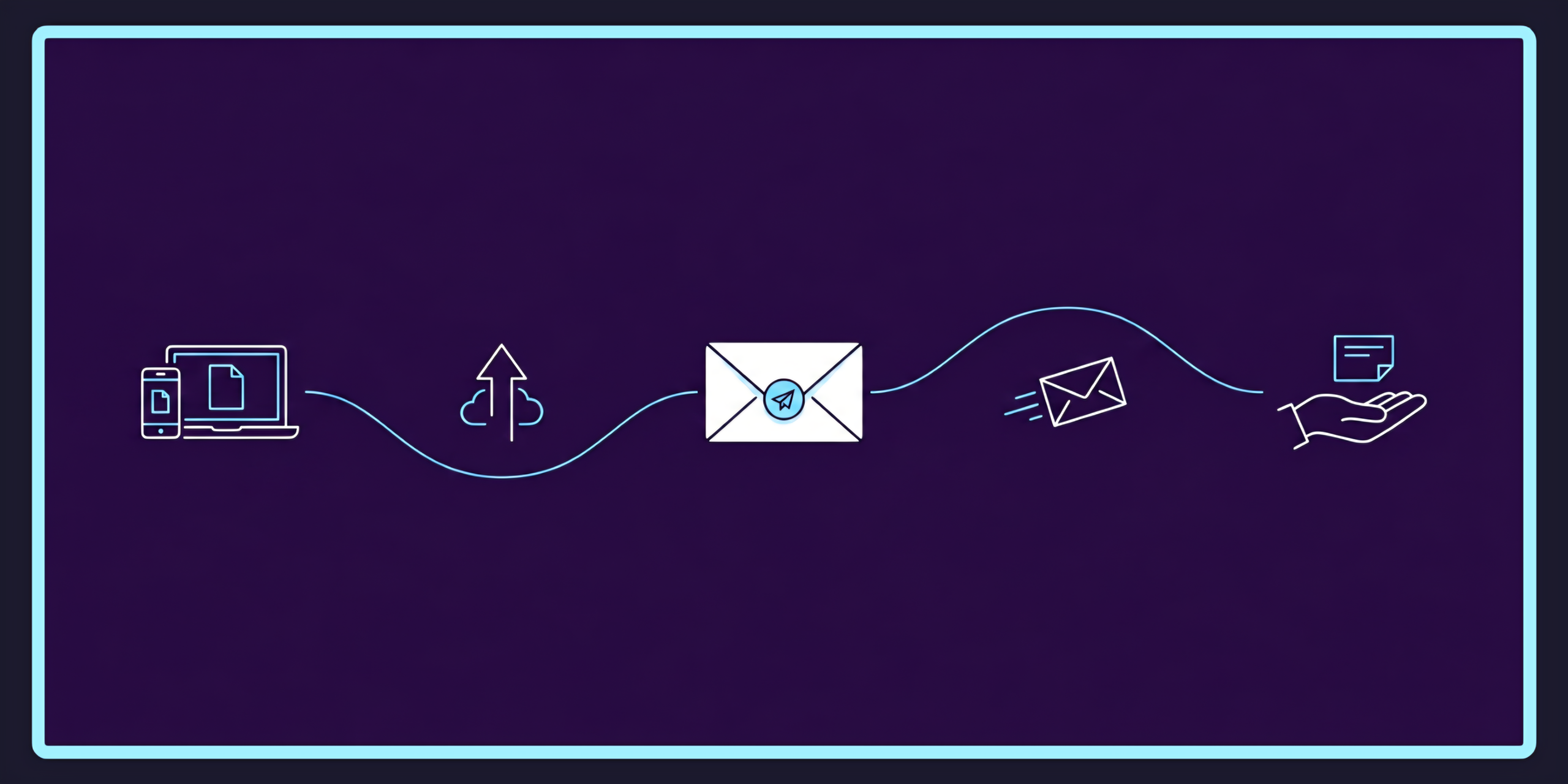
Most articles about sending documents securely focus on one part of the journey: getting it from A to B. Tracked mail. Registered Post. Couriers. Locked envelopes.
That’s one piece. There are four others, and several of them matter more.
Point one: while the document is on your device. Before you’ve even begun sending it, the document exists somewhere — your laptop, your phone, your Google Drive, an email attachment from someone else. If your device or one of those accounts is compromised, the document is exposed before it has gone anywhere.
Point two: the handoff. However you give the document to the sending service or person, the moment of transfer is a vulnerability. An unencrypted upload. An email attachment travelling across mail servers you don’t control. A USB stick handed to a courier. A photo of the document sitting in your phone’s camera roll, automatically backed up to a cloud service you haven’t audited in three years.
Point three: at the sender’s premises. This is the point most people don’t think about. Wherever you’ve sent the document for processing — a print shop, a digital print-and-mail service, an admin assistant printing it for you — it sits somewhere while waiting. Maybe on a hard drive. Maybe in a queue of files on a shared server. Maybe printed and stacked on a tray for an hour before someone walks it to the post box. Often, after dispatch, it remains stored indefinitely “for record-keeping.”
Point four: physical transit. The actual journey through the postal or courier network. Tracked services have an audit trail; untracked do not. International mail passes through customs and may be inspected. Domestic mail is generally safe but not immune to misdelivery and the rare opportunistic theft.
Point five: at the destination. Who picks the envelope up at the other end? Is it left in an unsecured letterbox? Is the office reception running a sign-on-receipt protocol? Does the recipient even know to expect it? More documents are exposed by sloppy handling at receipt than by anything that happens in transit.
A document is only as secure as the weakest of those five points. Hardening any one of them while ignoring the others doesn’t actually do much.
How the common sending methods stack up
A frank assessment of the four most common approaches.
Doing it yourself via Australia Post
Strengths: low number of intermediaries. The document only exists on your device, in the envelope, and at the destination. No third-party servers, no print shop, no print-and-mail service. Fewer hops, fewer points of vulnerability at the sender side.
Weaknesses: depends entirely on your tracking choice. Standard untracked mail is genuinely cheap and convenient, but leaves no audit trail. Registered Post or Express Post with signature on delivery handles points four and five better than basic stamped mail does. Cost is the trade-off.
Best for: physical originals you’ve handled exclusively yourself, going to a known recipient with secure receipt arrangements.
Couriers (DHL, FedEx, etc.)
Strengths: full tracking, signature on receipt, fast transit. Strong on points four and five.
Weaknesses: same as DIY mail at points one through three — you’re handling the document yourself before handover. Significantly higher cost. The handoff point introduces a brief but real vulnerability if you’re handing over loose documents rather than a sealed envelope.
Best for: high-value originals that need to arrive fast and accountably, when cost isn’t the main concern.
Email plus physical separately
A pattern some people use for important documents: email a copy to the recipient, then post the original. The email moves quickly so the recipient knows what to expect; the physical original follows with the real authority.
Strengths: solves point four reasonably. The recipient knows what’s coming and can flag if it doesn’t arrive.
Weaknesses: catastrophically bad on points one and two. Standard email is not encrypted end-to-end. Attachments cross multiple servers, get scanned by spam filters, and live in inboxes — yours and theirs — for years. For a document with bank details or identity information, sending it by email is a worse decision than most people realise.
Best for: sending non-sensitive copies for reference. Not for sensitive documents.
Digital print-and-mail services
Strengths: handles points one through three with intent — assuming the service is built properly. Encrypted upload (point two), processed in a controlled environment (point three), printed and dispatched via Australia Post or similar (points four and five same as DIY mail).
Weaknesses: introduces the sender as a third party with custody of your document. The whole question of how good a digital service is for sensitive documents comes down to how it handles point three. And here’s where most services don’t tell you the full story.
The question most services don’t want you to answer
Here’s the question to ask any digital service that handles your documents:
The answer most people assume is: “It’s deleted.” The actual answer at most services is: “It sits on our servers indefinitely, possibly backed up to a third-party cloud provider, possibly accessible to staff for ‘support and quality assurance’ purposes.”
For most documents, that’s fine. For sensitive documents, it isn’t. A tax return printed and dispatched a week ago is still sitting somewhere if the service hasn’t deleted it. Six months later, that file is still there. A year later, still there. Each day it sits is another day it could be exposed by a breach, an accidental access, or a quiet change in the service’s data-handling policy.
This is point three of the five vulnerability points, and it’s the one the industry quietly ignores.
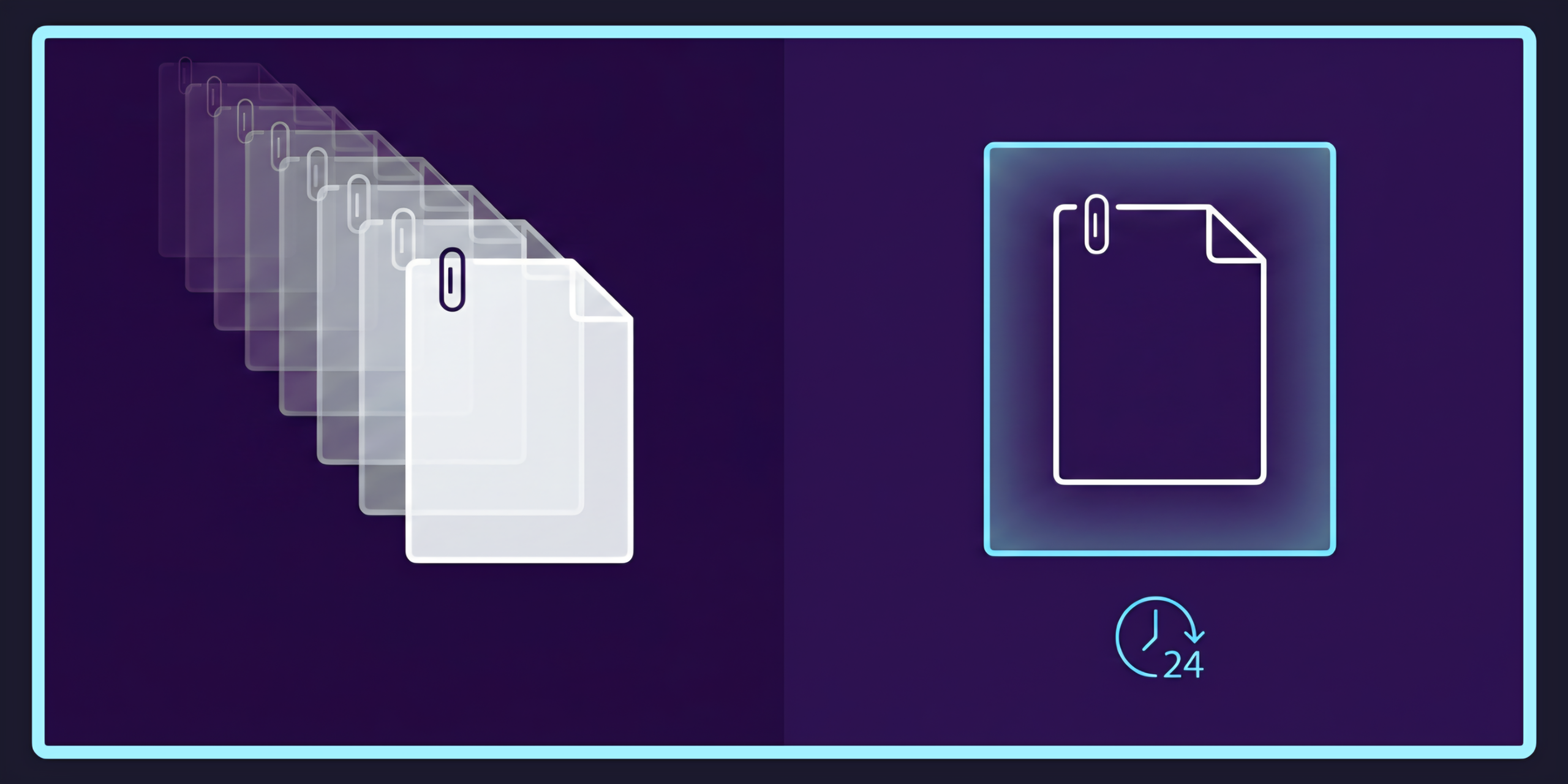
PostMyDoc’s Burn After Reading Policy is built specifically around this question. Documents are encrypted in transit. Printed once. Permanently deleted within 24 hours of dispatch. After 24 hours, the file no longer exists in our systems — not on backups, not on archives, not on staff machines. The window during which your document is exposed at the sender’s end is measured in hours, not years.
This is unusual in the industry. It’s the part of PostMyDoc we built first, and the part the rest of the service is built around. If you’re sending sensitive documents, the data retention policy of whoever you trust is the single most important security factor you can audit. Read it before you upload. If a service doesn’t tell you, ask. If they don’t answer clearly, choose someone else.
A practical framework for sensitive documents
Cutting through everything above, here’s the actual decision-making framework.
1. Match the security to the actual risk. Not all documents need maximum care. A signed gym contract with no financial details doesn’t need the same handling as a signed loan document with full bank account information. Reserve the full process for the documents that warrant it.
2. Reduce intermediaries to the minimum the situation requires. Every additional hand the document passes through adds a vulnerability point. If you can do it yourself and you’re disciplined about it, doing it yourself is often the most secure option. If you can’t, pick the service with the fewest hops and the strongest data-handling.
3. Audit point three carefully. Whoever has custody of your document during processing is the biggest variable. Ask them: how long is my file kept? Who has access? Is it encrypted at rest? If the answer is vague, that’s information.
4. Use tracked delivery for sensitive documents. Registered Post or Express Post with signature on delivery is worth the extra few dollars. The cost is small. The audit trail is invaluable if anything goes wrong.
5. Coordinate with the recipient. The biggest cause of sensitive document exposure isn’t theft in transit — it’s mishandling on receipt. Tell the recipient what’s coming. Tell them when to expect it. Confirm a delivery address that’s actually attended. If the document is going to an office, ask whether reception logs incoming mail.
6. Don’t over-secure routine documents. Counterintuitive, but true. If everything you send is treated as if it’s a state secret, you’ll burn out and start cutting corners on the documents that actually matter. Calibrate the effort to the document.
The honest summary
Sensitive documents need a different process from ordinary ones. The process isn’t complicated, but it requires understanding the full chain of custody — not just the visible part where the envelope moves through the postal network.
The biggest underdiscussed factor in document security isn’t the mailing method. It’s what happens to your file at the service that processes it, and how long it sits there afterward. Read the data retention policy. Ask the question. Pick services that answer cleanly.