
Guides
Word vs PDF: Which Should You Send and Why?
Should you send a Word doc or a PDF? It depends on what you’re sending and who’s reading it. Here’s how to decide, and why it matters more than people think.
You’ve finished the document. Now you have to send it. And somewhere in the back of your mind, a small unhelpful voice asks: Word or PDF?
It’s the kind of question that gets asked a lot and answered badly. The honest answer isn’t “PDF every time” — it’s that the two formats do different jobs, and the right choice depends on what the document is and what you want to happen to it next.
Here’s the actual framework, with the reasoning behind it.
What each format actually is
Quick context, because the difference matters.
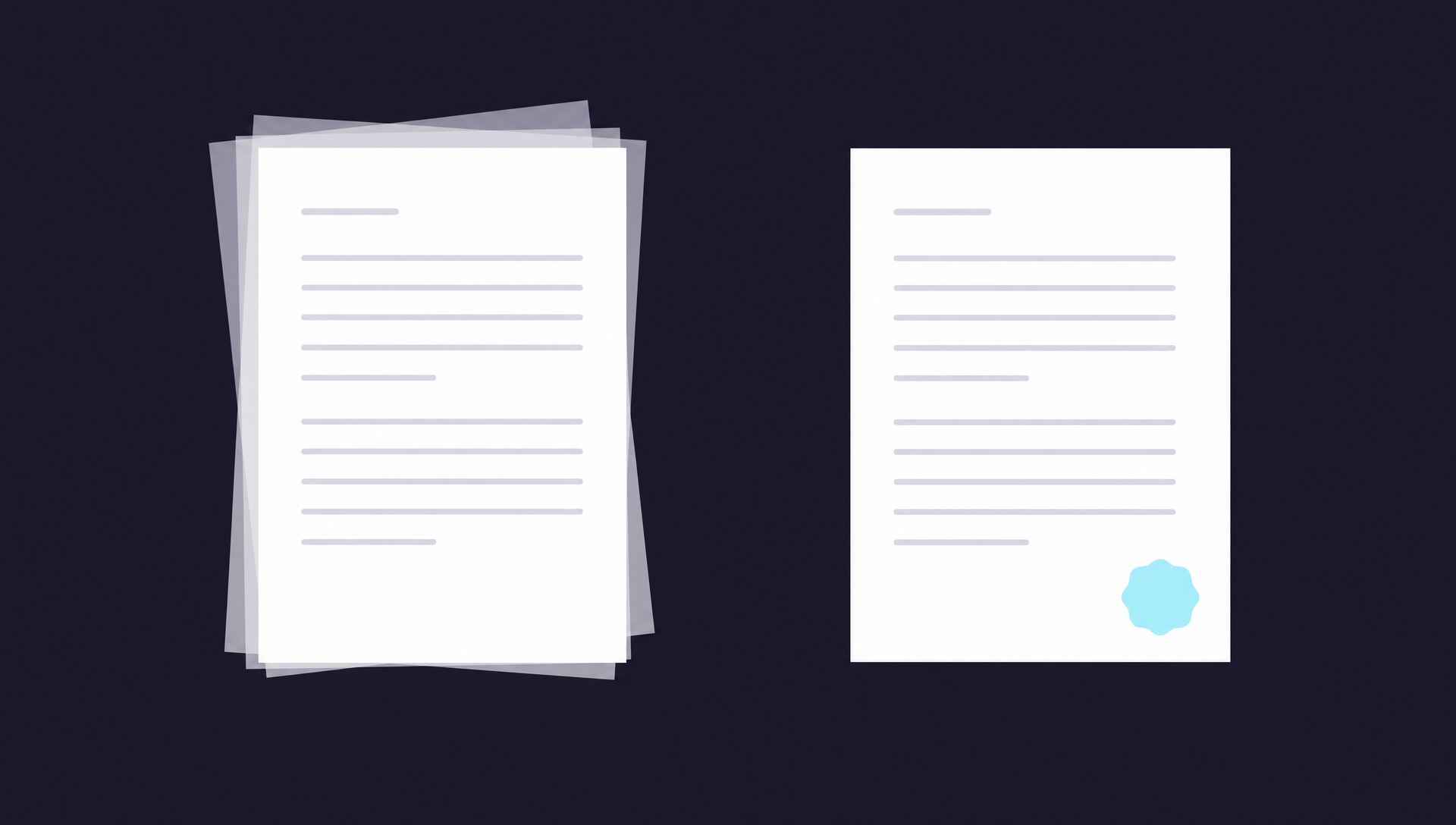
A Word document is a living file. It’s designed to be opened, edited, formatted, restructured. Every recipient with Microsoft Word, Google Docs, or Apple Pages can change what’s inside it. Word documents also render slightly differently on different software — fonts substitute, line breaks shift, page numbers move. The document you wrote isn’t always the document the recipient sees.
A PDF is a fixed file. It’s a digital snapshot of a page. Every recipient sees exactly what you sent — same fonts, same layout, same line breaks, on every device, every operating system, every screen size. PDFs can be edited, but it takes deliberate effort and specific software. By default, what you sent is what they see.
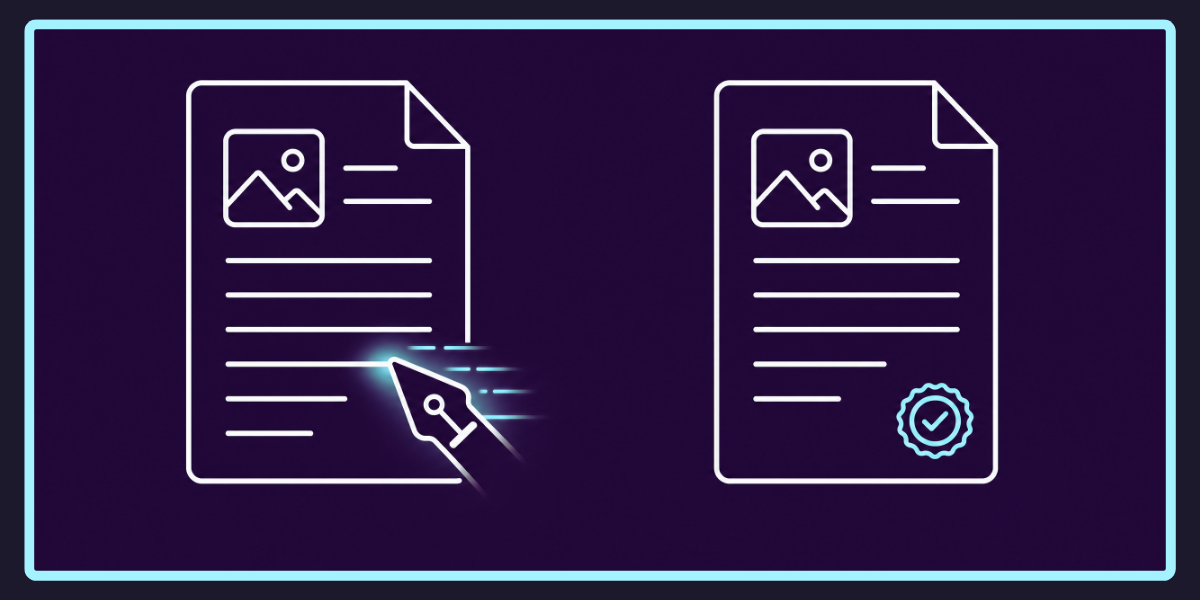
That’s the entire underlying difference. Word is a working document. PDF is a finished one. Most of the practical guidance below flows from that distinction.
Send a PDF when…
The document is finished. Contracts, signed agreements, invoices, statements, reports, anything with your name or signature on it. If the version you’re sending is the version that’s meant to stand, send a PDF. The format itself is a small statement: this is final.
Layout matters. Resumes, designed proposals, anything with careful formatting. Fonts, margins, columns, headers — Word can rearrange these the moment the recipient opens the file in a different program. PDFs hold their shape.
You’re sending something formal or evidential. Anything that might end up in a dispute, a legal process, an audit, or a tax filing. PDFs are harder to alter without leaving traces. Word documents change the moment someone clicks into them.
The recipient just needs to read it. If they don’t need to edit it, why would you give them an editable file? Sending a Word doc when a PDF would do is a small unnecessary act of trust extension.
You’re sending it through a print-and-mail service. This one’s specific. Services like PostMyDoc print exactly what’s in the PDF — same layout, same fonts, same spacing — because the PDF is a fixed document. Sending a Word file would mean trusting that whatever software opens it renders it identically, which is exactly the trust PDFs were invented to remove. (For more on that workflow, see how to send a PDF as physical mail.)
Send a Word document when…
The recipient needs to edit it. Collaborators, co-authors, lawyers marking up a draft, a manager reviewing a report with tracked changes. If the next step is “please make changes and send it back,” Word is the right format.
It’s a template. A document the recipient is expected to fill in, customise, or adapt — a CV template, a form, a contract template, a worksheet.
You’re working in a Word-native team. Some workplaces operate entirely in Word with tracked changes and comments as the working method. PDFs would interrupt the workflow.
That’s roughly it. Word’s right call is narrower than its default-button position in most software suggests.
The trust point most people miss
Here’s the angle that usually doesn’t get raised in Word-vs-PDF posts, and probably should.
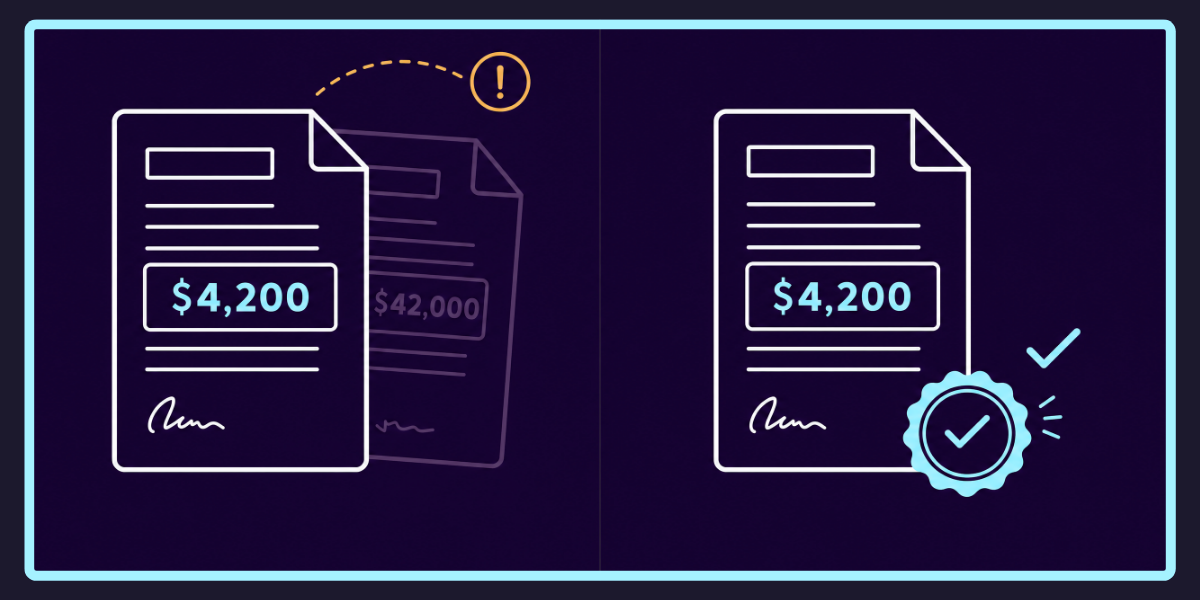
When you send someone a Word document, you’re handing them a file they can change. They can edit your wording. They can alter dates. They can change figures. They can save the modified version and forward it to someone else, who has no way of knowing it’s not what you wrote.
For most documents, this doesn’t matter — a meeting agenda, a draft article, a brainstorm. The recipient has no reason to alter it, and even if they did, no consequence follows.
But for anything you might one day need to prove you sent — a contract, a notice, a formal complaint, a financial statement, an invoice, a quote, a binding offer — sending a Word file is a small structural mistake. Not because the recipient is necessarily dishonest, but because the format introduces ambiguity where none needs to exist. Did the figure say $4,200 or $42,000? Did the deadline say the 15th or the 5th? If you sent a Word doc, the answer depends on which copy you’re looking at.
Sending a PDF removes that ambiguity. The version you sent is the version of record. That’s not paranoia — it’s just the format doing its job.
Why PDF tends to be the right default
If you take all the above and look at it sideways, a pattern emerges. Word’s strengths sit in a narrow band: collaboration and templates. PDF’s strengths cover everything else: finished documents, formal correspondence, anything you’ll want to be able to reference later as authoritative.
Most documents most people send most of the time fall into the second category. Hence the safe default: when in doubt, send a PDF. You can always send the Word version too if the recipient asks. You can’t easily un-send a Word doc that’s already been edited.
A few practical FAQs
Will the recipient be able to open my PDF?
Almost certainly yes. PDF readers are free and built into every modern operating system, browser, email client, and phone. The format has been the universal standard for finished documents since the late 1990s.
Can I lock or password-protect a PDF?
Yes. Most PDF software lets you set permissions — view-only, no copy, no print, password to open. For sensitive documents going to a wider audience, this is worth knowing about. For a document to one trusted recipient, it’s usually overkill.
Can a recipient still edit a PDF if they really want to?
With the right software, yes. PDFs aren’t tamper-proof, just tamper-evident — most edits leave traces, and a freshly edited PDF often looks different from a clean original. Word documents leave no such traces by default.
What about sending a Word document and a PDF together?
Sometimes the right call. A signed contract usually goes as PDF; a contract template you’re inviting someone to mark up usually goes as Word. If you genuinely don’t know which the recipient wants, send both with a one-line note: “PDF for reference, Word if you need to make changes.” It’s not the worst diplomacy.
Does sending a PDF cost me anything?
No. Every modern word processor — Microsoft Word, Google Docs, Apple Pages — exports to PDF natively in two clicks. File → Export → PDF, or File → Save As → PDF. No new software, no new cost.
Bridging the digital and the physical
The other reason PDF matters more than it used to: it’s the format that travels cleanly between the digital world and the physical one.
A PDF can be emailed. It can be uploaded. It can be printed at home, at a print shop, at a service that prints and posts on your behalf. It can be signed digitally and sent back. It can be filed, archived, shared. It does all of this while looking exactly the same on the way in as it does on the way out.
A Word document can do most of those things too — but every step adds a chance for the document to change. Different fonts on a different machine. A page break that lands in a different place when printed. A margin that drifts. The PDF was invented specifically to remove those points of failure, which is why it’s the format that does the work when finished documents need to move between people, devices, and physical paper.